

TiviMate Xtreme HD IPTV Edition Installation & Setup Guide
Install our custom TiviMate-based IPTV app on your Firestick, Fire TV, Android TV, Google TV, NVIDIA Shield or compatible Android TV box.
Get an Instant FREE 36-Hour Xtreme HD IPTV Trial
New to XtremeDiscount? Try Xtreme HD IPTV sold by XtremeDiscount completely FREE for 36 hours and use your trial with TiviMate Xtreme HD IPTV Edition.
🚀 More Than Just a TiviMate Rebrand
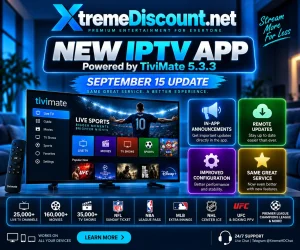
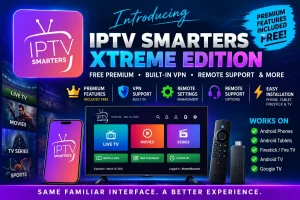
TiviMate Xtreme HD IPTV Edition is our customized TiviMate-based player designed to make using Xtreme HD IPTV easier on Firestick and Android TV devices.
The newest version includes premium functionality without requiring a separate TiviMate Premium purchase or registration, along with custom features built specifically around the XtremeDiscount.net service.
The September 15, 2026 update introduced one of our biggest upgrades yet, including the Sports Hub, integrated VPN support, in-app announcements, remote server updates, additional remote support capabilities, playback improvements and the ability to install our app alongside regular TiviMate.
📋 Installation Guide
📥 Install the Downloader App
Downloader is the easiest way to install TiviMate Xtreme HD IPTV Edition on a Firestick or compatible Android TV device.
Amazon Firestick / Fire TV:
Open the Amazon Appstore, search for Downloader, and install it.
Android TV / Google TV:
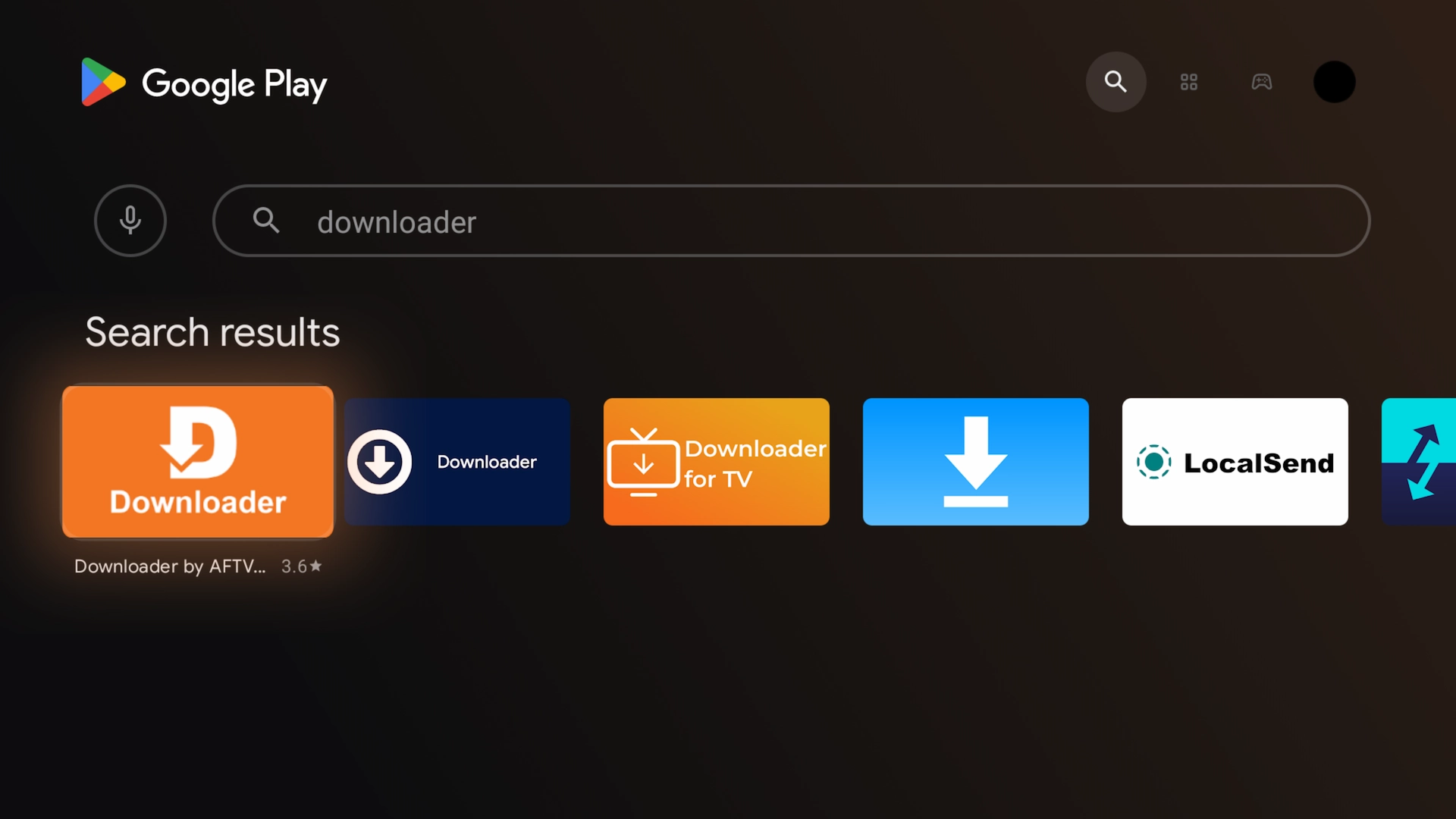
Search for Downloader in the Google Play Store and install it.
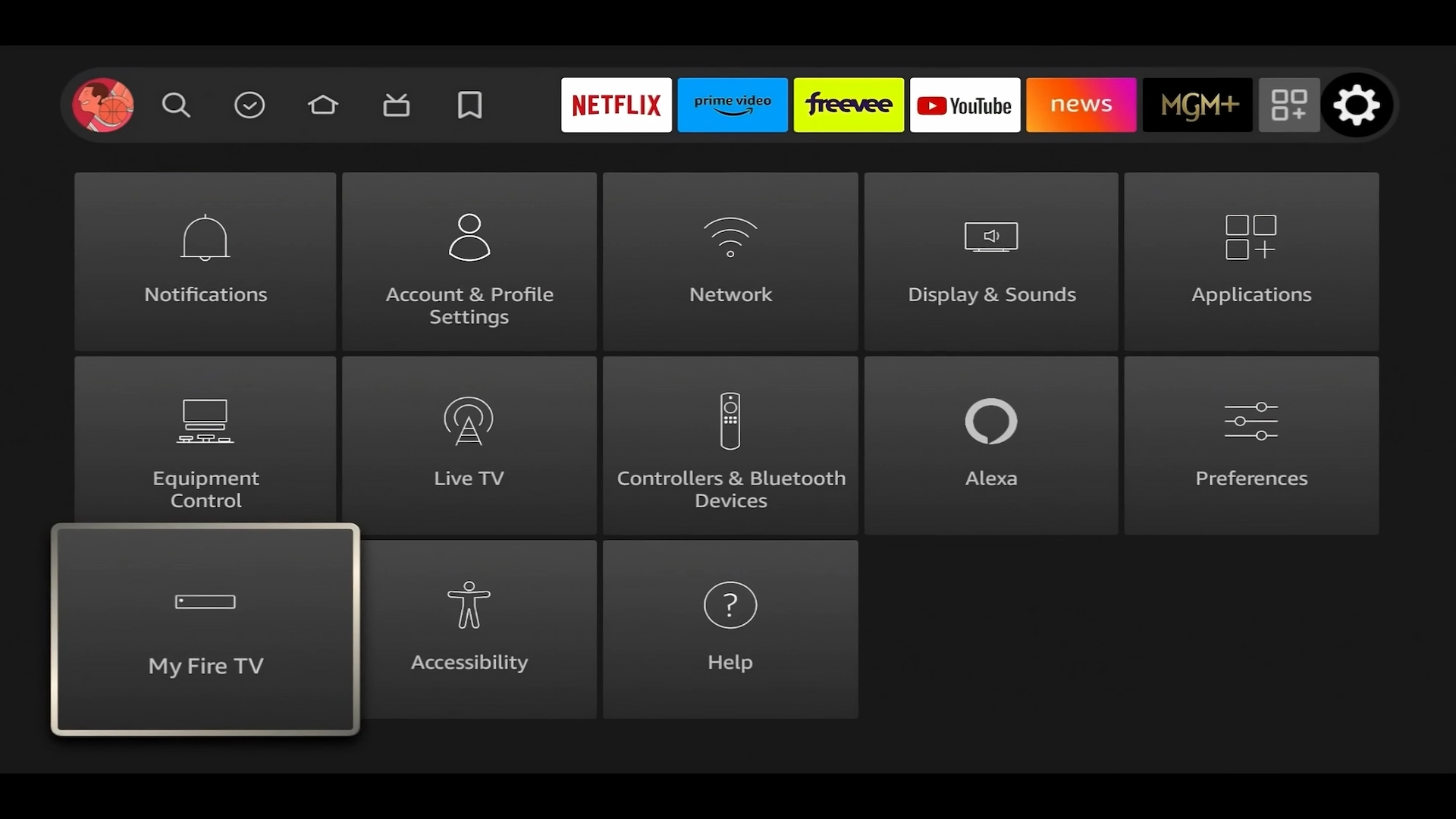
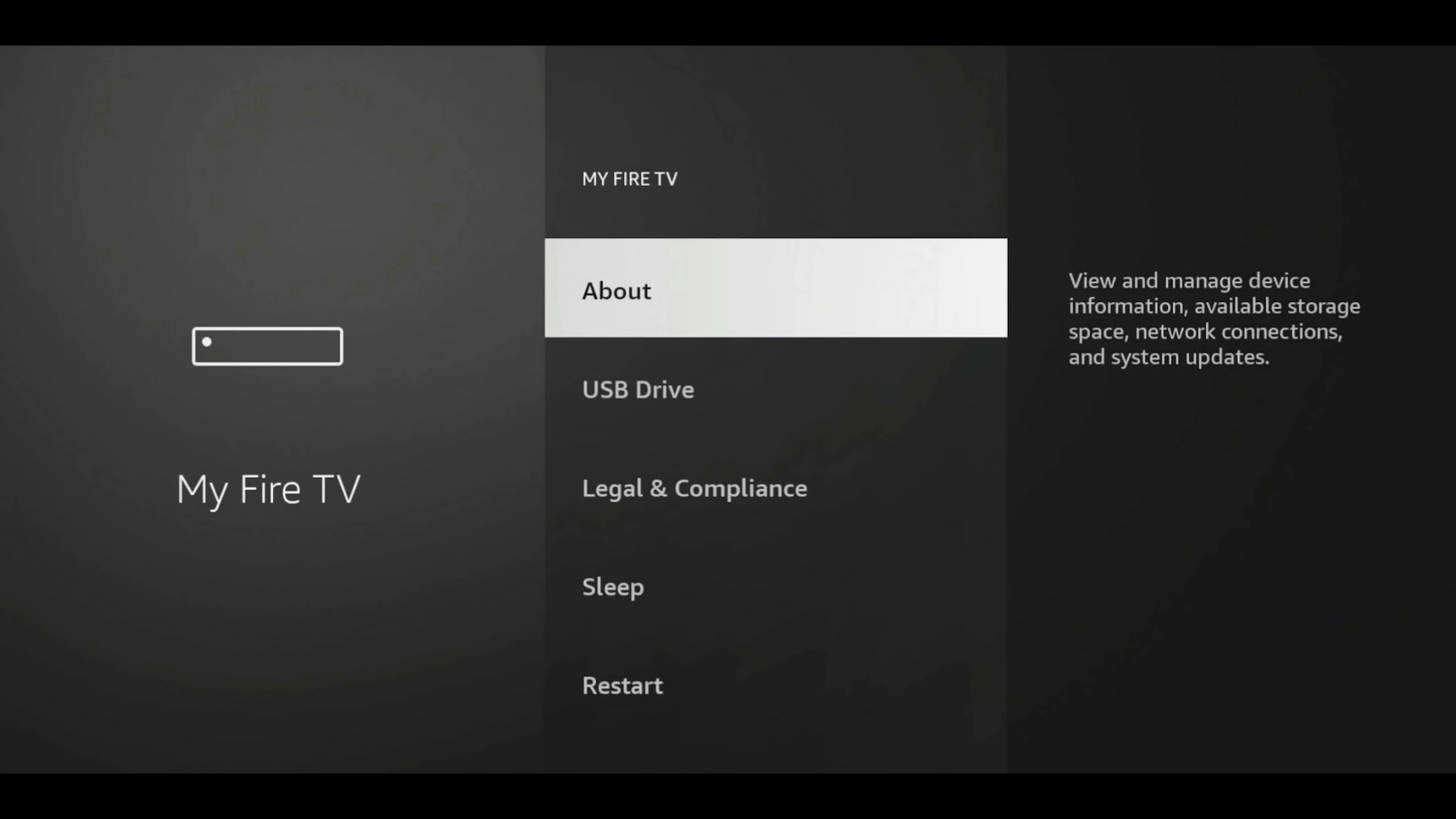
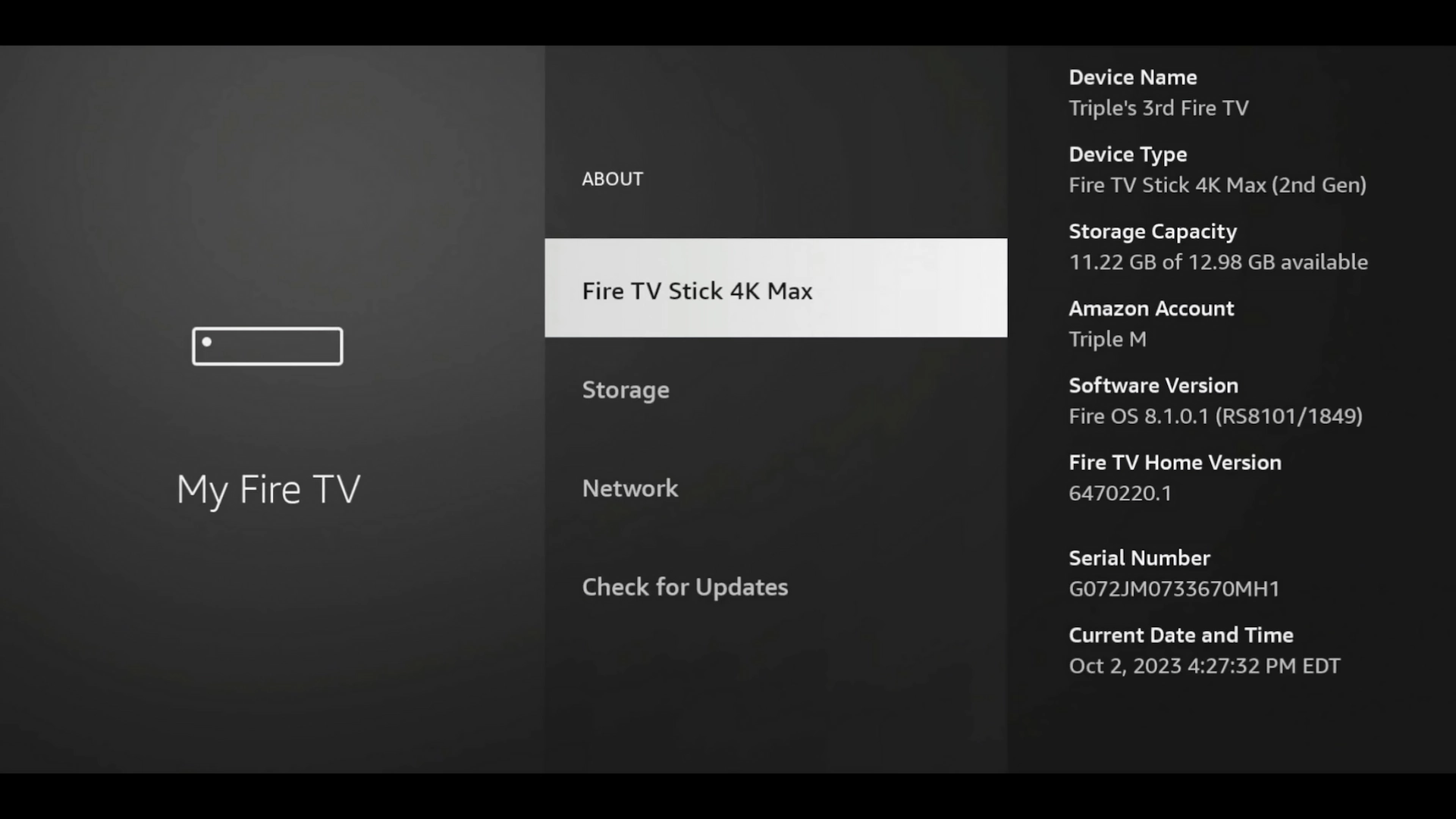
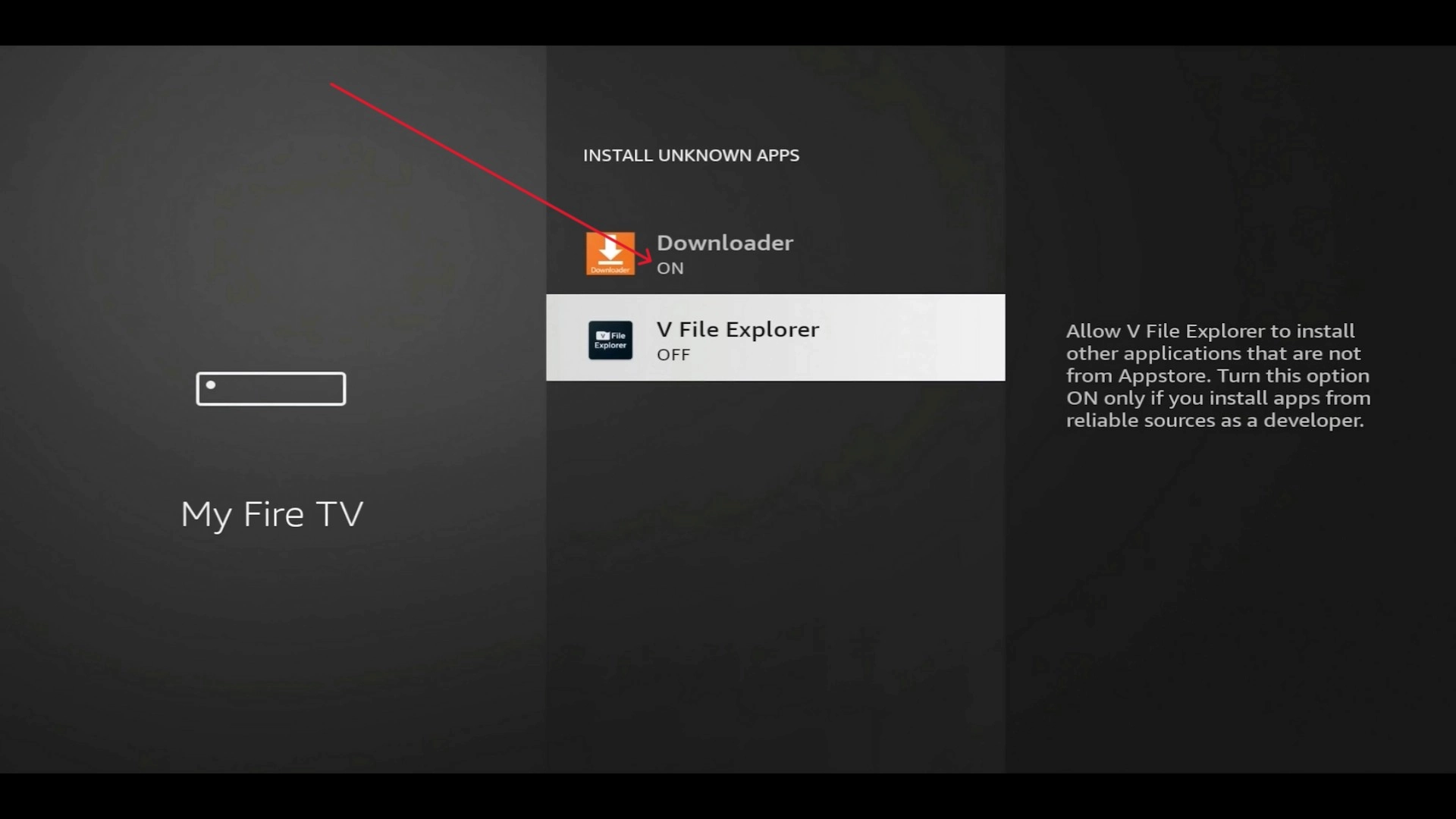
⚙️ Enable Developer Options & Install Unknown Apps
Your device needs permission to install the Xtreme HD Edition outside of the standard app store.
🔥 What's New in TiviMate Xtreme HD IPTV Edition?
This update is much more than a visual refresh. We added custom features designed to make finding content, watching sports and getting support easier.
🏈 Brand-New Sports Hub
Instead of searching through hundreds of channels trying to figure out where a game is playing, open the Sports Hub, choose the event you want to watch, and the app can help identify channels in your available playlist carrying that event.
🛡️ Integrated VPN Support
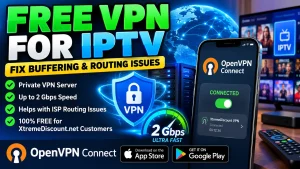
VPN support is integrated directly into the app, giving us another troubleshooting option when ISP filtering or poor network routing interferes with IPTV.
Our first private server is available in USA – Virginia on a server with up to a 2 Gbps network connection. Actual speeds depend on your own Internet connection, device, network conditions and location.
📢 In-App Announcements
Important service notices, maintenance information, new features, server changes and support updates can appear directly inside the app.
🛠️ Remote Updates & Support
Supported server information, VPN information and app configuration can be managed remotely, giving our support team more options for troubleshooting without making you type complicated settings with a TV remote.
📲 Install Alongside Regular TiviMate
You do not need to uninstall regular TiviMate or an older XtremeDiscount app. The newest version has its own installation identity and can be installed separately.
⭐ Premium Functionality Included FREE
There is no separate TiviMate Premium purchase or registration required for the premium functionality included with TiviMate Xtreme HD IPTV Edition.
📥 Download TiviMate Xtreme HD IPTV Edition
Now you're ready to install the app.
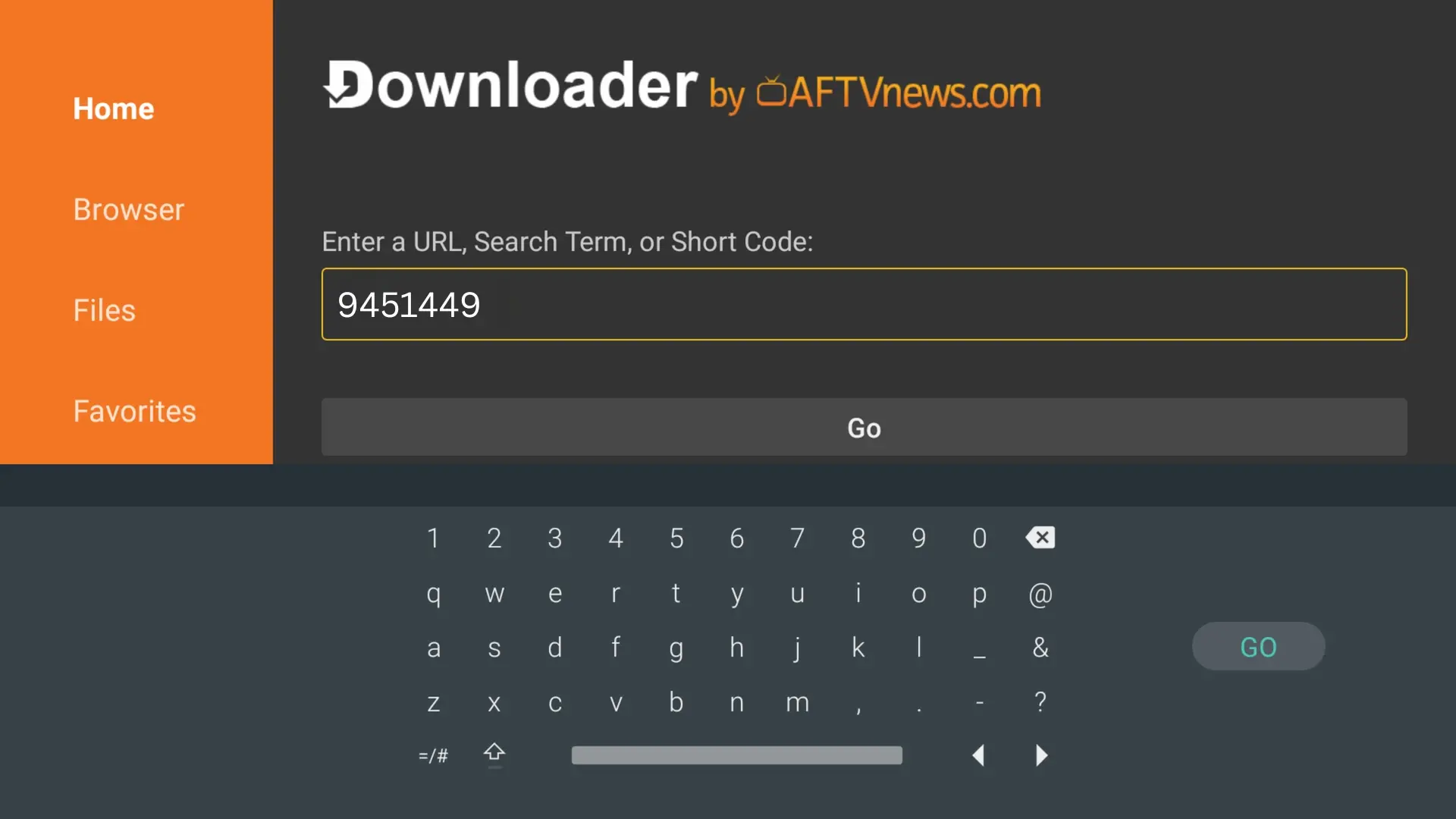
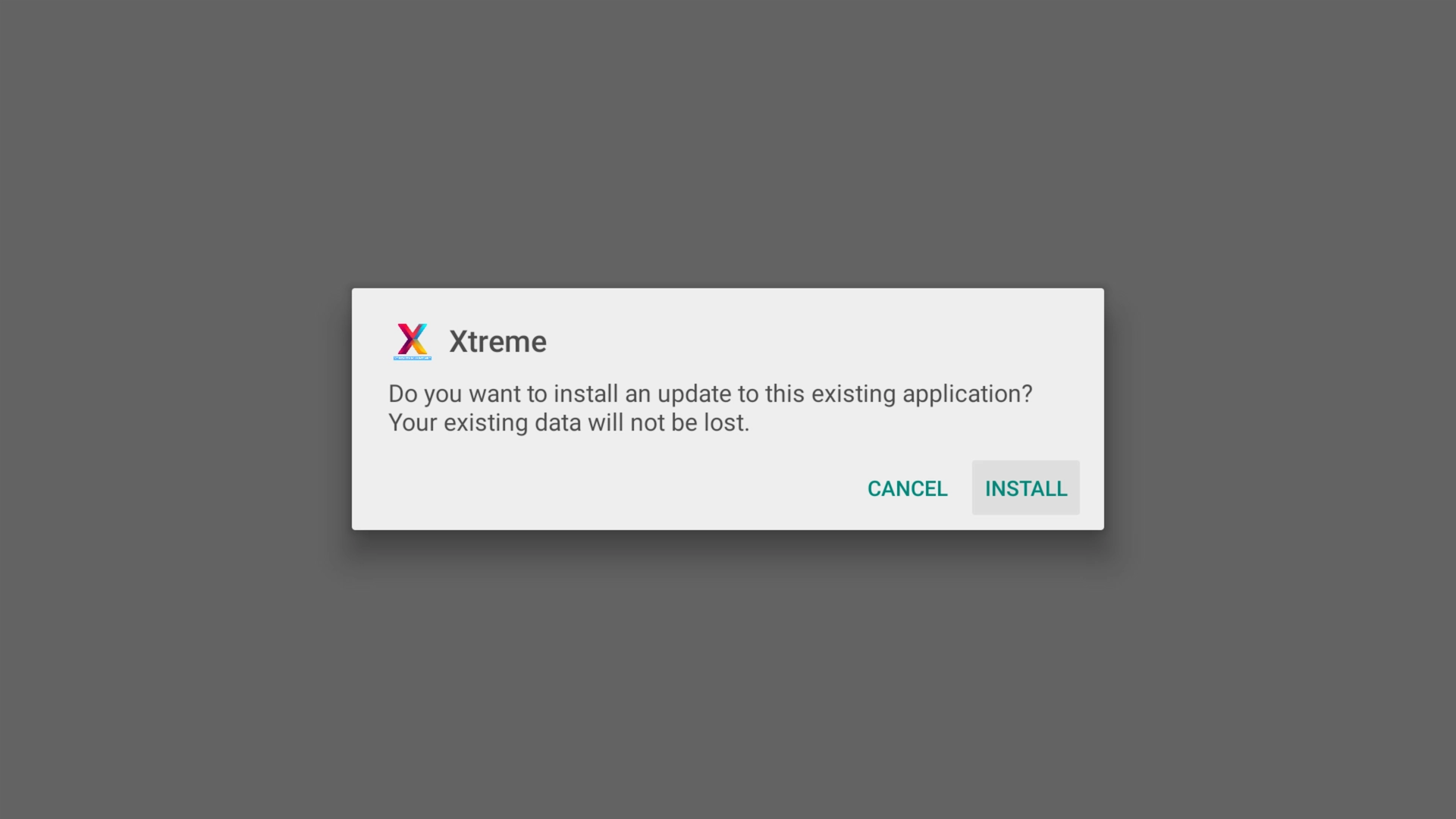
Once the download begins, select the Android logo for TiviMate Xtreme HD IPTV Edition. After the APK finishes downloading, select Install.
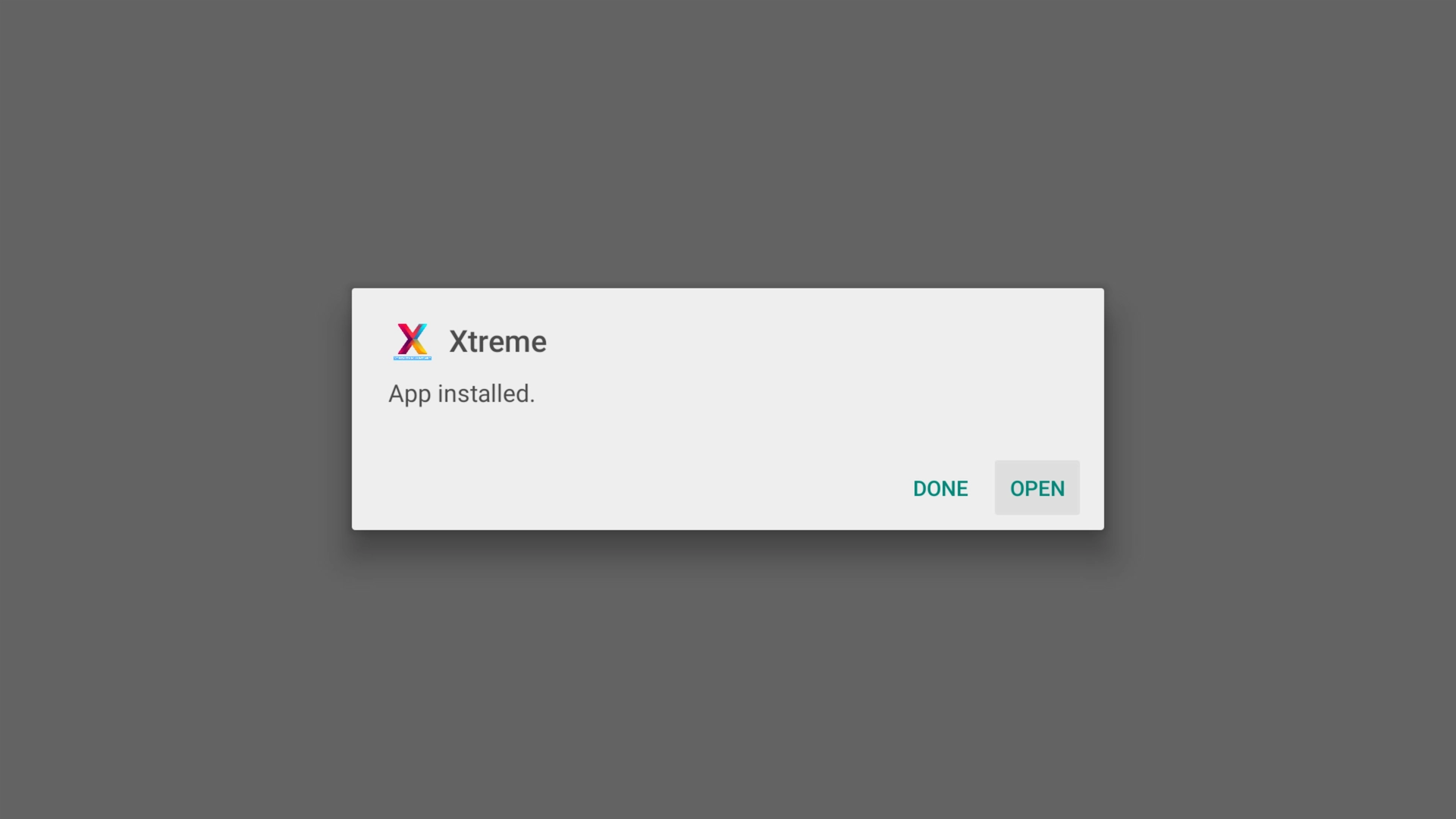
When installation finishes, select Open.
Start an Instant FREE 36-Hour Xtreme HD IPTV Trial
Get your trial from XtremeDiscount.net, then use your trial credentials in the app to experience Xtreme HD IPTV before purchasing.
🔑 Set Up Your Xtreme HD IPTV Account
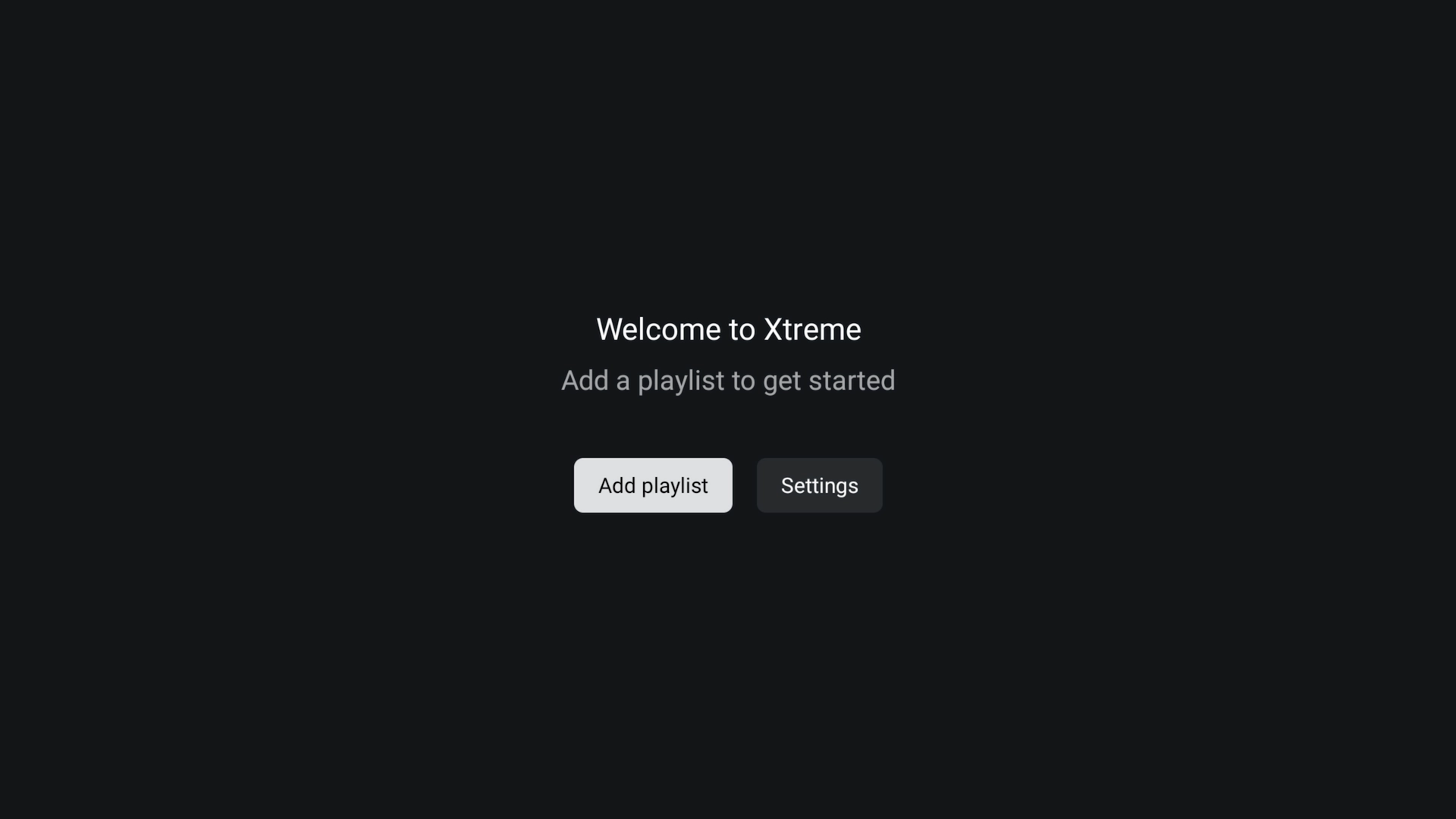
Open TiviMate Xtreme HD IPTV Edition. On the welcome screen, select Add Playlist.
Existing XtremeDiscount Customer?
Select the XtremeDiscount.net option and enter the IPTV username and password supplied with your subscription.
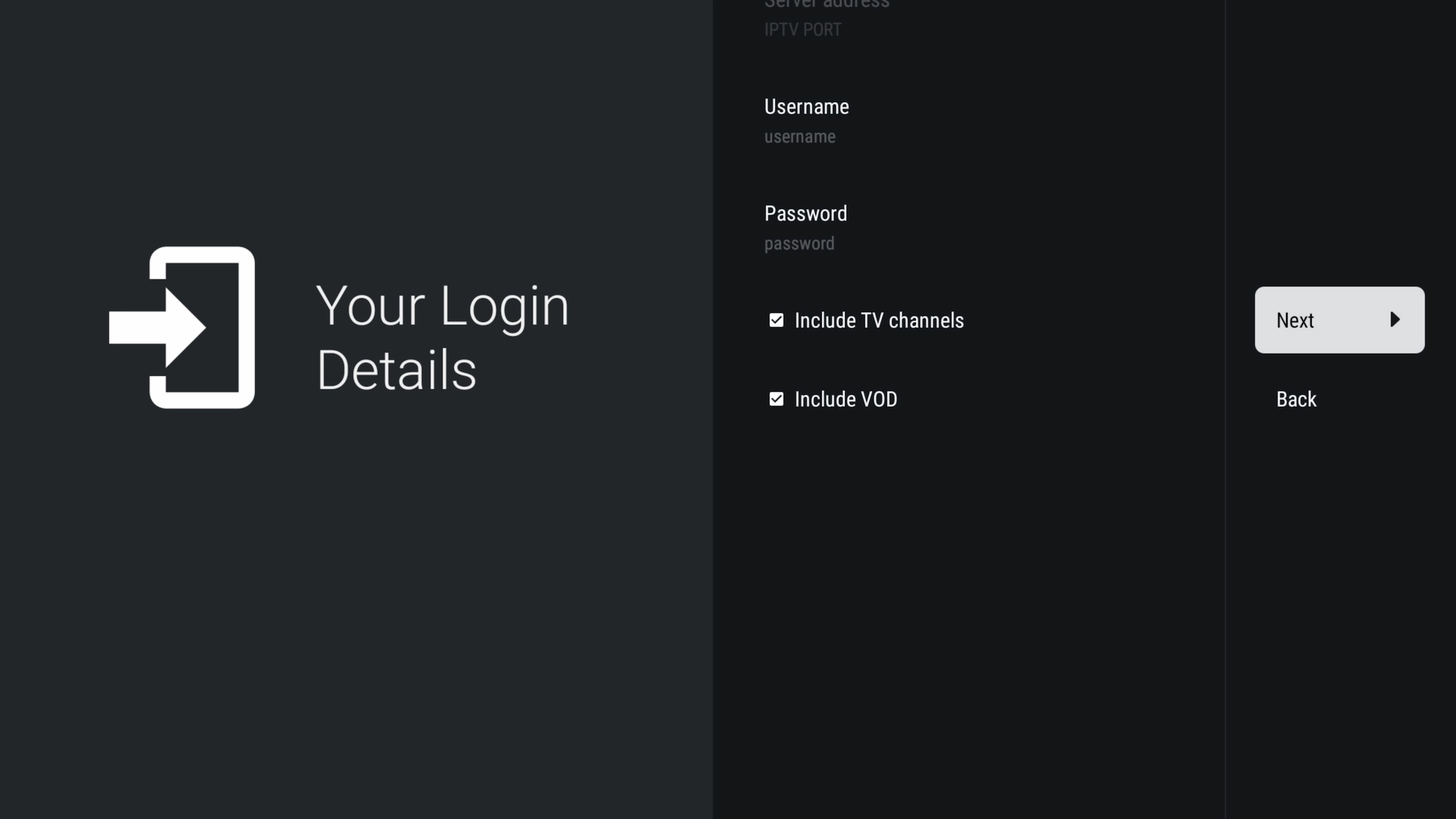
Select Next and allow the playlist to load. Large channel and VOD libraries can take a little time to process.
When processing is complete, name your playlist and select Done.
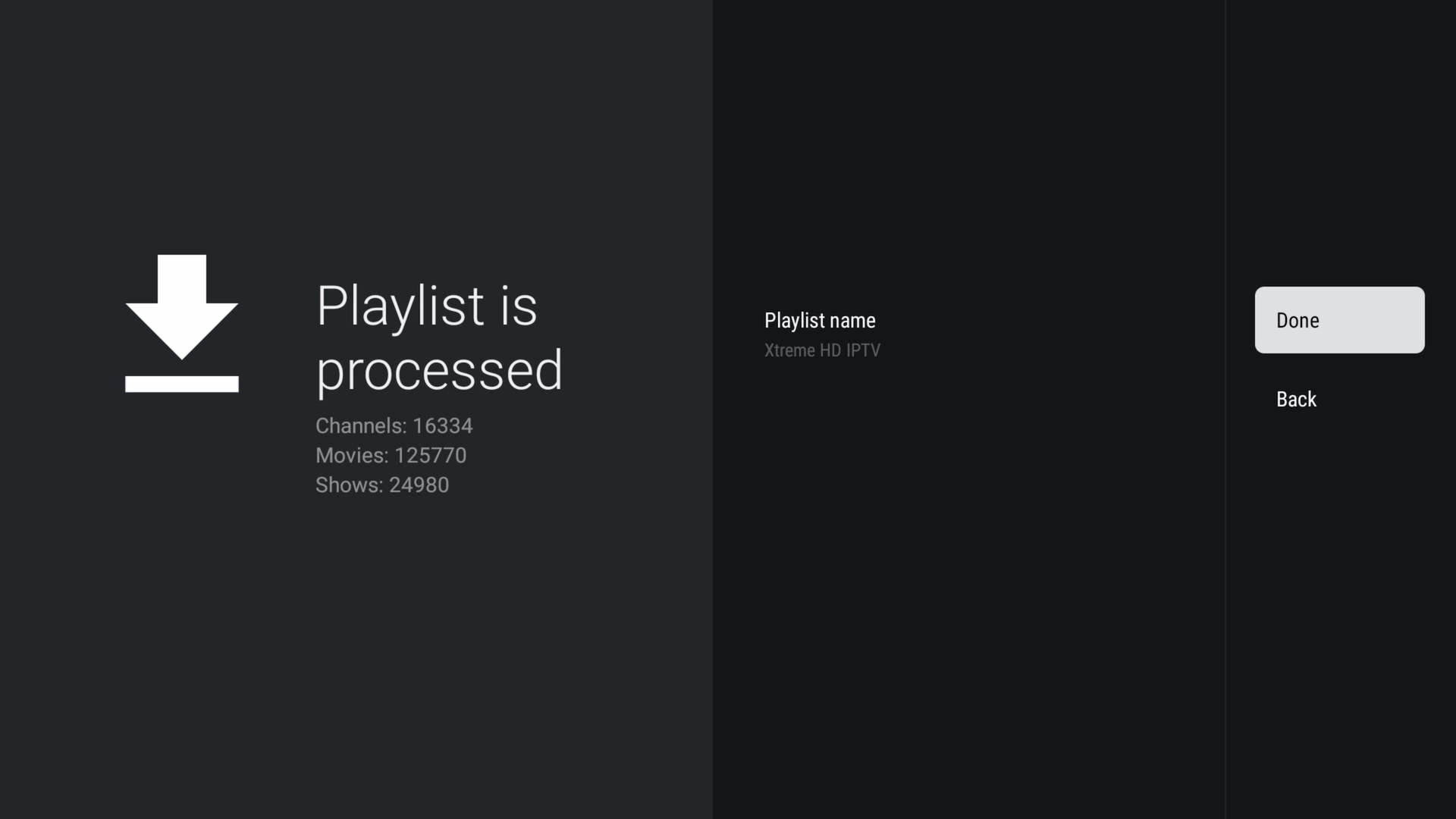
📺 Start Watching
That's it! Your playlist is now loaded and you're ready to explore Live TV, Movies, TV Series, the program guide, favorites, search and the custom XtremeDiscount.net features.
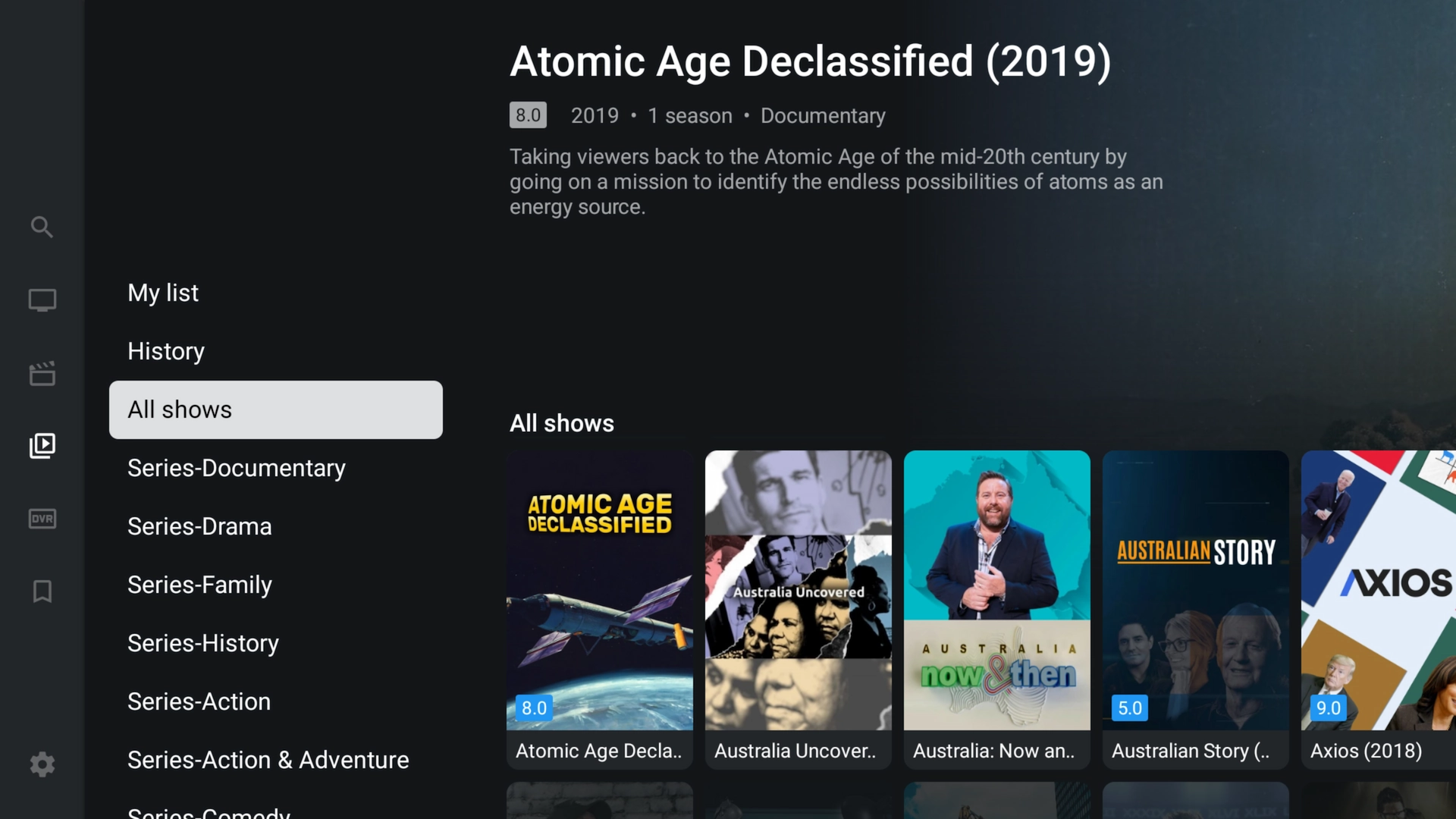
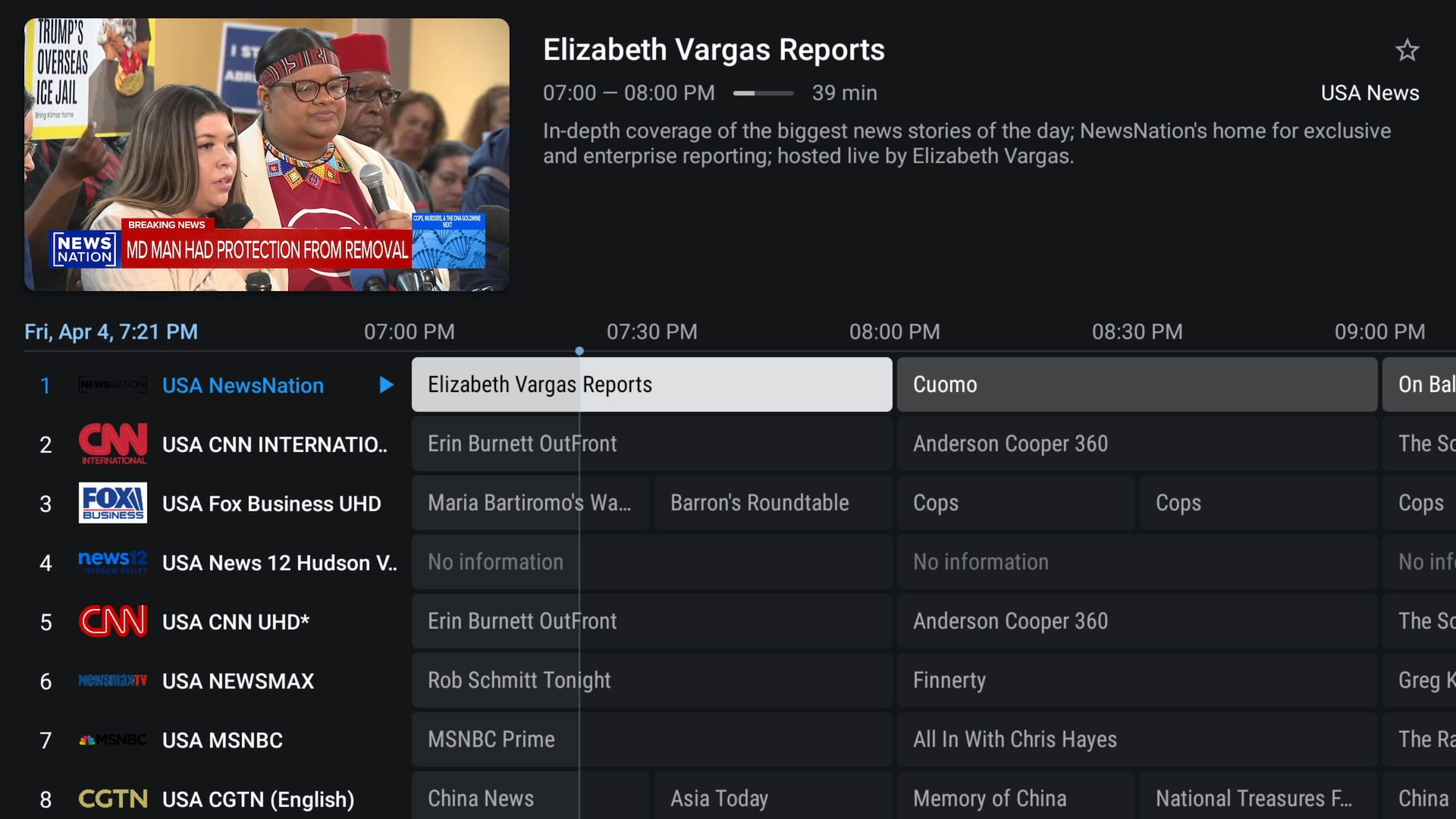
👀 Preview the Interface
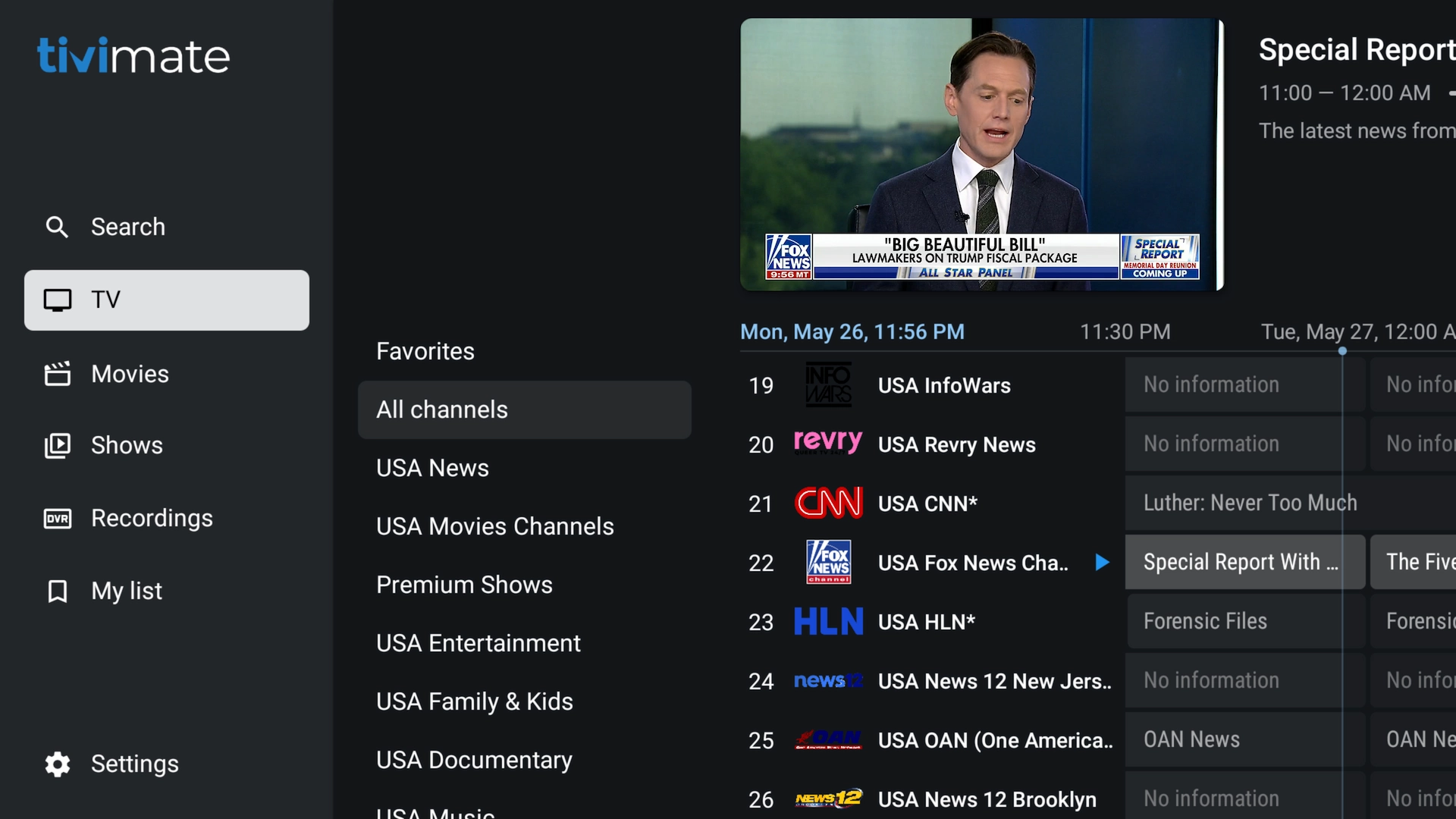
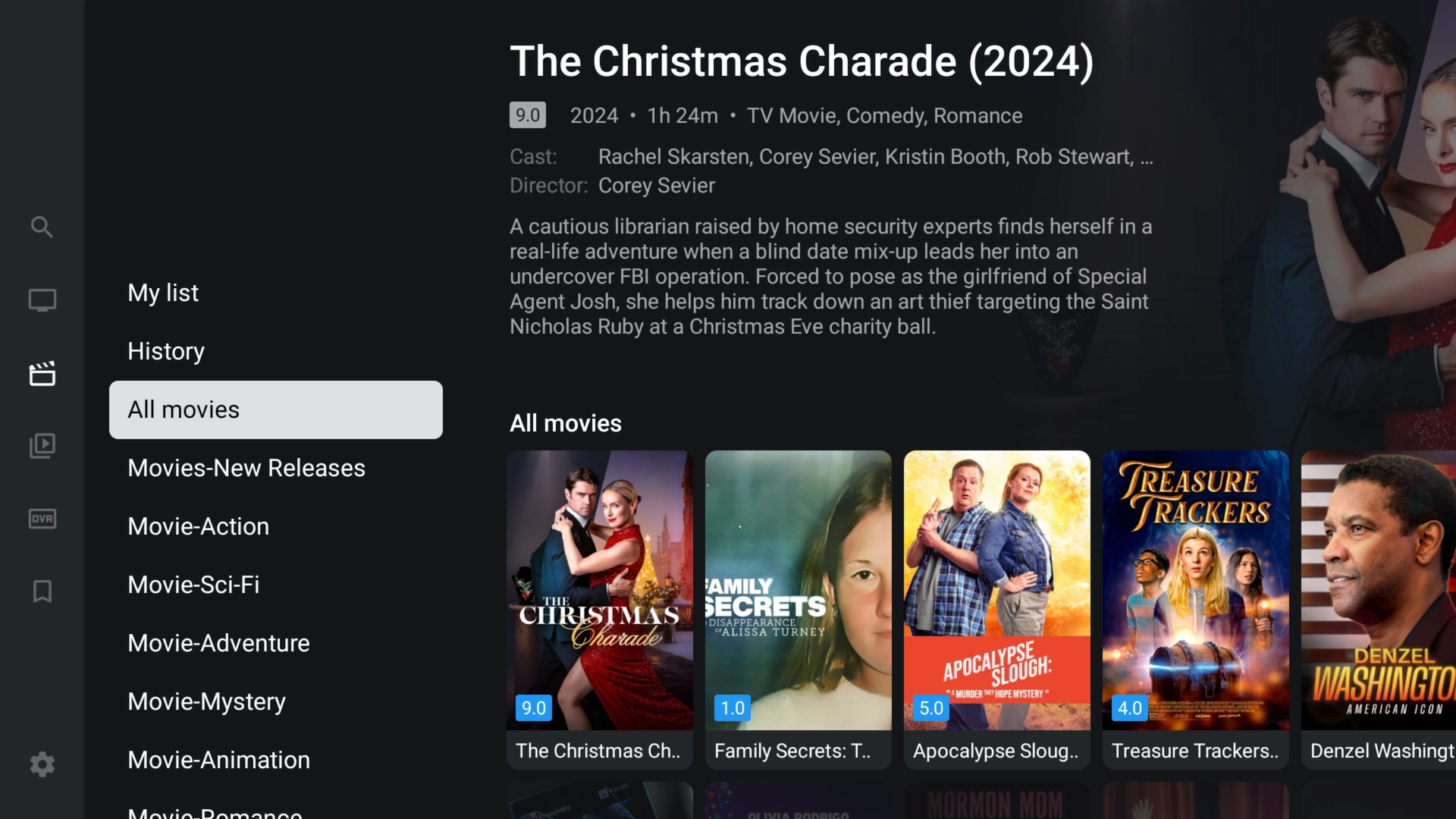
Enjoy the familiar TiviMate-style interface for Live TV, Movies, TV Series and the full-screen program guide.
❓ Frequently Asked Questions
What's the difference between Xtreme HD Edition and regular TiviMate?
Our edition includes premium functionality ready to use plus custom features such as the Sports Hub, integrated VPN support, announcements, remote configuration and additional support capabilities.
Do I have to pay separately for TiviMate Premium?
No. The premium functionality included with Xtreme HD Edition does not require a separate TiviMate Premium purchase or registration.
Do I need to uninstall regular TiviMate?
No. The newest Xtreme HD Edition can be installed alongside regular TiviMate or an older branded version.
What does the Sports Hub do?
The Sports Hub helps you find current and upcoming sporting events and identify channels in your available playlist carrying the event.
Why does the app include VPN support?
It gives customers and support another troubleshooting option when ISP filtering or poor network routing is contributing to IPTV connection problems. A VPN cannot fix every possible cause of buffering.
Do I need an Xtreme HD IPTV subscription?
You need IPTV service to receive live channels, movies and TV series. If you're new, you can start with an instant FREE 36-hour Xtreme HD IPTV trial at XtremeDiscount.net.
How do I update the app?
Open Downloader again, enter 9451449, and install the latest version.
Ready to Try Xtreme HD IPTV?
Get an Instant FREE 36-Hour Trial
Install TiviMate Xtreme HD IPTV Edition, start your free Xtreme HD IPTV trial, and experience the service for yourself before purchasing a subscription.
🔥 START MY FREE 36-HOUR IPTV TRIAL
💬 Need Help?
Our support team is available to help with installation, setup, your free trial, VPN troubleshooting, or getting your IPTV account loaded into the app.
24/7 Live Chat • Telegram: @XtremeHDChat