
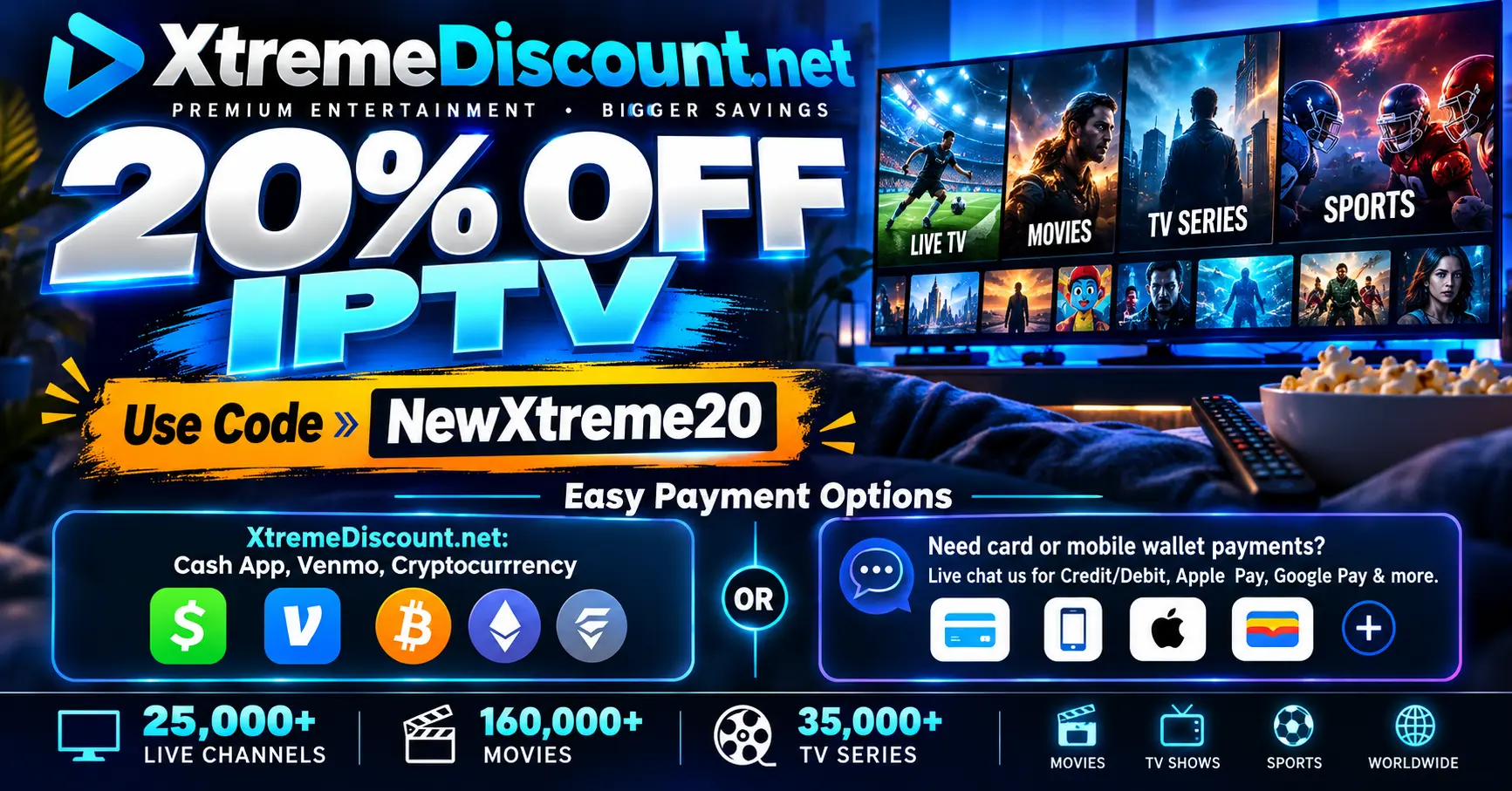
🔥 Save 20% on eligible XtremeDiscount IPTV plans with promo code NewXtreme20 — and choose the correct checkout based on how you want to pay.
Before you click anything, there are two different ways to complete your IPTV purchase.
The correct website depends on your preferred payment method.
💳 First: Choose How You Want to Pay
OPTION 1 — Cash App, Venmo or Cryptocurrency
Use:
XtremeDiscount.net is the correct checkout option if you want to pay using:
- Cash App
- Venmo
- Cryptocurrency
Pay with Cash App, Venmo or Crypto
OPTION 2 — Credit/Debit Card, Apple Pay, Google Pay & More
Use our additional billing portal:
https://quickcloakvpn.com/store/quickcloak-vpn-platinum-plans-private-server
This is the recommended option if you want to use:
- Credit Cards
- Debit Cards
- Apple Pay
- Google Pay
- Cash App Pay
- Amazon Pay
- Affirm
- Klarna
- Link
- Cryptocurrency
- Additional local and international payment methods
Pay by Card, Apple Pay, Google Pay & More
Not sure which one to use? Keep reading — we'll explain both options step by step.
🔥 How to Get 20% OFF Your IPTV Service
No matter which checkout option you use, look for the promo-code field and enter:
NewXtreme20
Apply the code and make sure the 20% discount appears before completing your eligible order.
💵 Option 1: Cash App, Venmo or Cryptocurrency
If you want to pay using Cash App, Venmo or Cryptocurrency, use the main XtremeDiscount website.
Your checkout:
Here's how:
- Visit XtremeDiscount.net.
- Choose the IPTV package you want.
- Select your subscription length and number of devices.
- Enter promo code NewXtreme20.
- Apply the code and confirm your discount.
- Select Cash App, Venmo or Cryptocurrency.
- Follow the payment instructions provided.
If you need help at any point, open the Live Chat on XtremeDiscount.net and we'll help you complete the order.
Pay with Cash App, Venmo or Crypto
💳 Option 2: Credit/Debit Card, Apple Pay, Google Pay & More
If you prefer a Credit Card, Debit Card, Apple Pay, Google Pay or another supported payment method, use our additional billing portal:
https://quickcloakvpn.com/store/quickcloak-vpn-platinum-plans-private-server
Important: QuickCloak Is Also Our Website
When you open the link, you will see QuickCloakVPN.com.
Don't worry — you're on the correct website.
QuickCloakVPN.com is also owned and operated by us, and we use this billing portal to give XtremeDiscount IPTV customers access to a wider selection of payment methods.
You are still purchasing your IPTV service.
Here's how to complete your purchase:
- Open the QuickCloak IPTV checkout.
- Choose how many months of service you want.
- Select how many devices/connections you need.
- Continue to checkout.
- Enter promo code NewXtreme20.
- Apply the discount.
- Select your preferred available payment method.
- Complete your payment.
Once the payment is successfully completed, your eligible IPTV order can be processed and your service information provided.
Pay by Card, Apple Pay, Google Pay & More
💳 Which Payment Methods Are Available?
XtremeDiscount customers have access to a wide range of payment options.
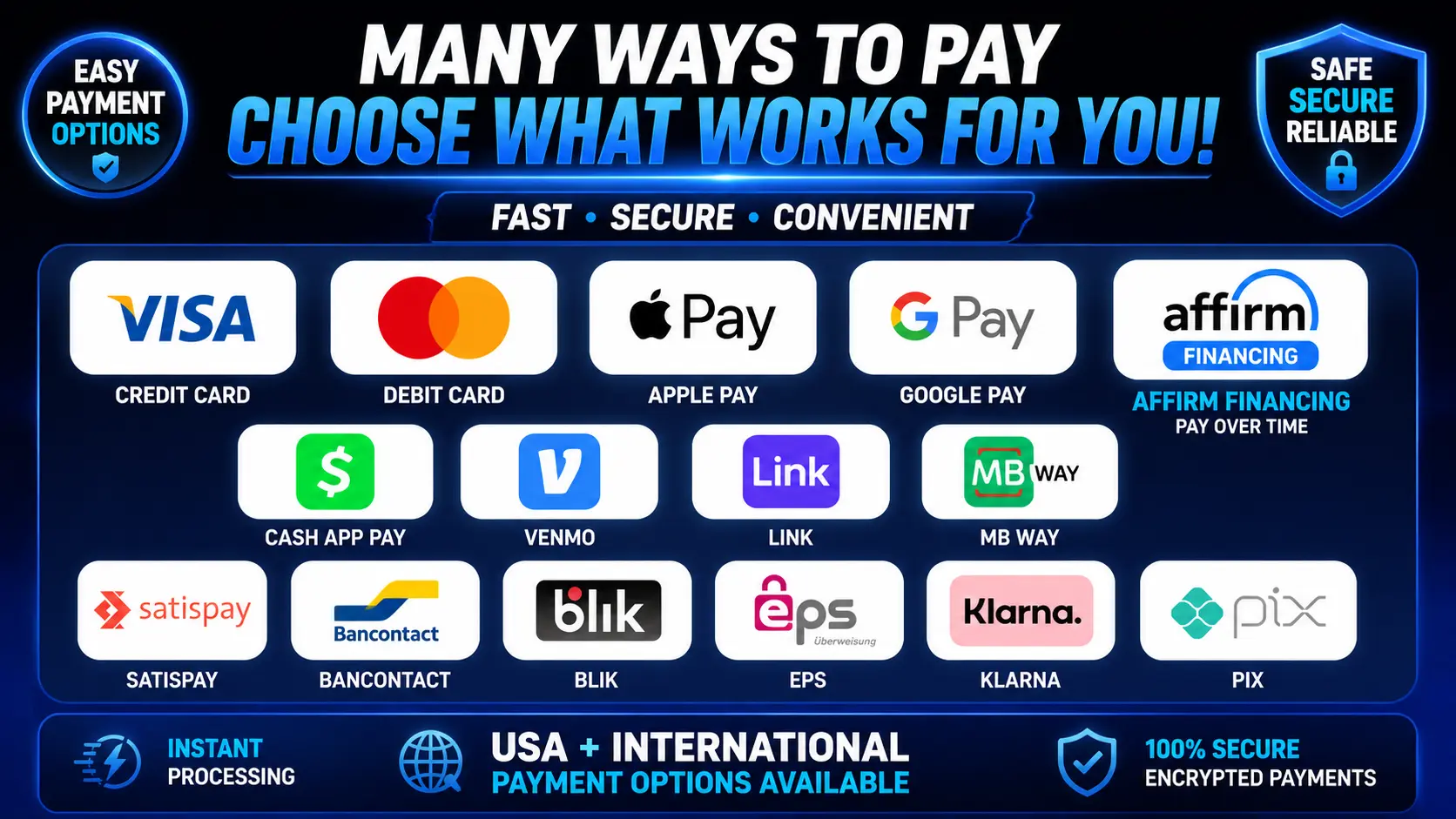
Depending on the checkout you use, your country, device and eligibility, supported methods may include:
- Credit Cards
- Debit Cards
- Apple Pay
- Google Pay
- Cash App
- Cash App Pay
- Venmo
- Affirm
- Klarna
- Amazon Pay
- Link
- Cryptocurrency
- MB WAY
- Satispay
- Bancontact
- BLIK
- EPS
- Pix
- Additional supported international payment methods
Not every payment method is available to every customer. Available options can depend on your country, device, payment provider and eligibility.
🤔 Still Confused About Which Website to Use?
Here's the easiest way to remember it:
💵 Cash App, Venmo or Cryptocurrency?
Use XtremeDiscount.net
💳 Credit/Debit Card, Apple Pay, Google Pay or Another Payment Method?
Use the QuickCloak billing portal
https://quickcloakvpn.com/store/quickcloak-vpn-platinum-plans-private-server
💬 Need Help Completing Your Payment?
Live Chat is available on both websites.
If you're unsure which package to choose, can't find your payment method, or have trouble checking out, simply open Live Chat and tell us what you're trying to purchase.
We can help you with:
- Choosing the correct subscription length
- Choosing the correct number of devices
- Applying NewXtreme20
- Cash App payments
- Venmo payments
- Cryptocurrency payments
- Credit and Debit Card payments
- Apple Pay
- Google Pay
- Other supported payment methods
XtremeDiscount Live Chat:
https://XtremeDiscount.net
QuickCloak Live Chat:
https://QuickCloakVPN.com
🌎 International Customers
Customers outside the United States can also access supported international payment options.
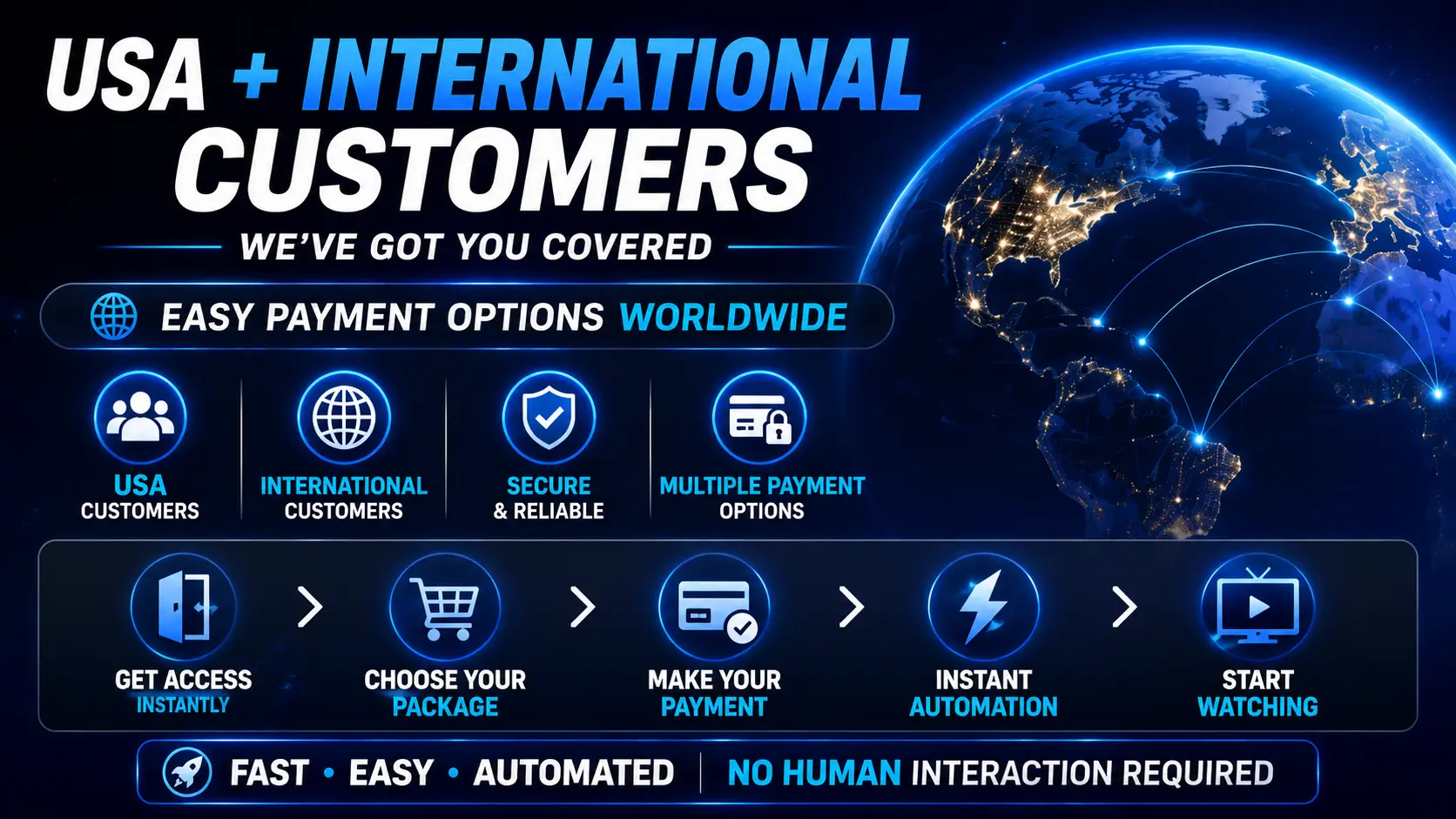
If you're outside the USA and want to use a Credit/Debit Card, Apple Pay, Google Pay or a local payment option, the QuickCloak billing portal will usually be the place to start.
Available international payment methods may vary by country.
🎁 Want to Try IPTV Before Paying?
Not ready to purchase yet?
Get a FREE 36-hour Xtreme HD IPTV trial.
- 36 hours of access
- No credit card required
- No payment information required
- Instant automatic delivery
- Test the service before purchasing
Frequently Asked Questions
How do I get 20% OFF XtremeDiscount IPTV?
Enter promo code NewXtreme20 during checkout on an eligible order and confirm that the discount appears before completing payment.
Where do I pay with Cash App?
Use XtremeDiscount.net for Cash App payments.
Where do I pay with Venmo?
Use XtremeDiscount.net for Venmo payments.
Where do I pay with Cryptocurrency?
Cryptocurrency is available through XtremeDiscount.net and may also be available through our additional billing system.
Where do I pay with a Credit or Debit Card?
Use our QuickCloak billing portal:
https://quickcloakvpn.com/store/quickcloak-vpn-platinum-plans-private-server
Can I use Apple Pay or Google Pay?
Yes, supported Apple Pay and Google Pay transactions are available through our QuickCloak billing portal.
Why does the card checkout say QuickCloakVPN.com?
QuickCloakVPN.com is also owned and operated by us. We use it as an additional billing portal to provide XtremeDiscount IPTV customers with more payment options.
Am I buying VPN service instead of IPTV?
No. When using the IPTV package link provided in this article, you are purchasing the IPTV package you select.
What if I need help?
Live Chat is available on both XtremeDiscount.net and QuickCloakVPN.com. Open the chat and tell us what you are trying to purchase and how you want to pay.
🔥 Ready to Save 20%?
Use promo code:
NewXtreme20
Now choose your payment method:
💵 Cash App, Venmo or Cryptocurrency:
💳 Credit/Debit Card, Apple Pay, Google Pay & More:
Use Our Additional Billing Portal
Need help? Open Live Chat on either website and we'll help you complete your purchase. ❤️